
Template or finished design: which approach fits your website?
Both approaches can produce a working WordPress website. They differ in the materials you need, visual flexibility, and development scope. Choose based on your project, rather than assuming a template is always the weaker option.
Evgeny Glushko · WordPress development since 2017
When a template fits
Your structure is straightforward: services, company information, completed work, and contact details. You do not need a unique visual concept, and your content fits suitable existing blocks.
A template provides a visual starting point. The developer adapts it to your content by setting typography and colors and building pages, forms, and mobile layouts. Structure and behavior still need work; installing a theme does not complete the project.
What to check before choosing a template
Look at actual pages and content types. Is there a suitable service page layout? How does the menu work on a phone? Can it accommodate your photographs and text without compromising readability?
Check license costs and editing options in advance. A polished demo with ideal photographs can look very different once your own content is added. Testing the starting point against one of your future pages is more useful.
When you need a finished design
You already have approved designs or need a presentation that cannot be implemented conveniently by adapting a theme. Development then starts with reviewing the layouts, element states, and behavior across screen sizes.
For me, this approach means implementing your supplied design and integrating it with WordPress. Creating custom designs is a separate task. Before development, the internal pages, forms, and mobile layouts should be defined along with the first screen.
What real projects show
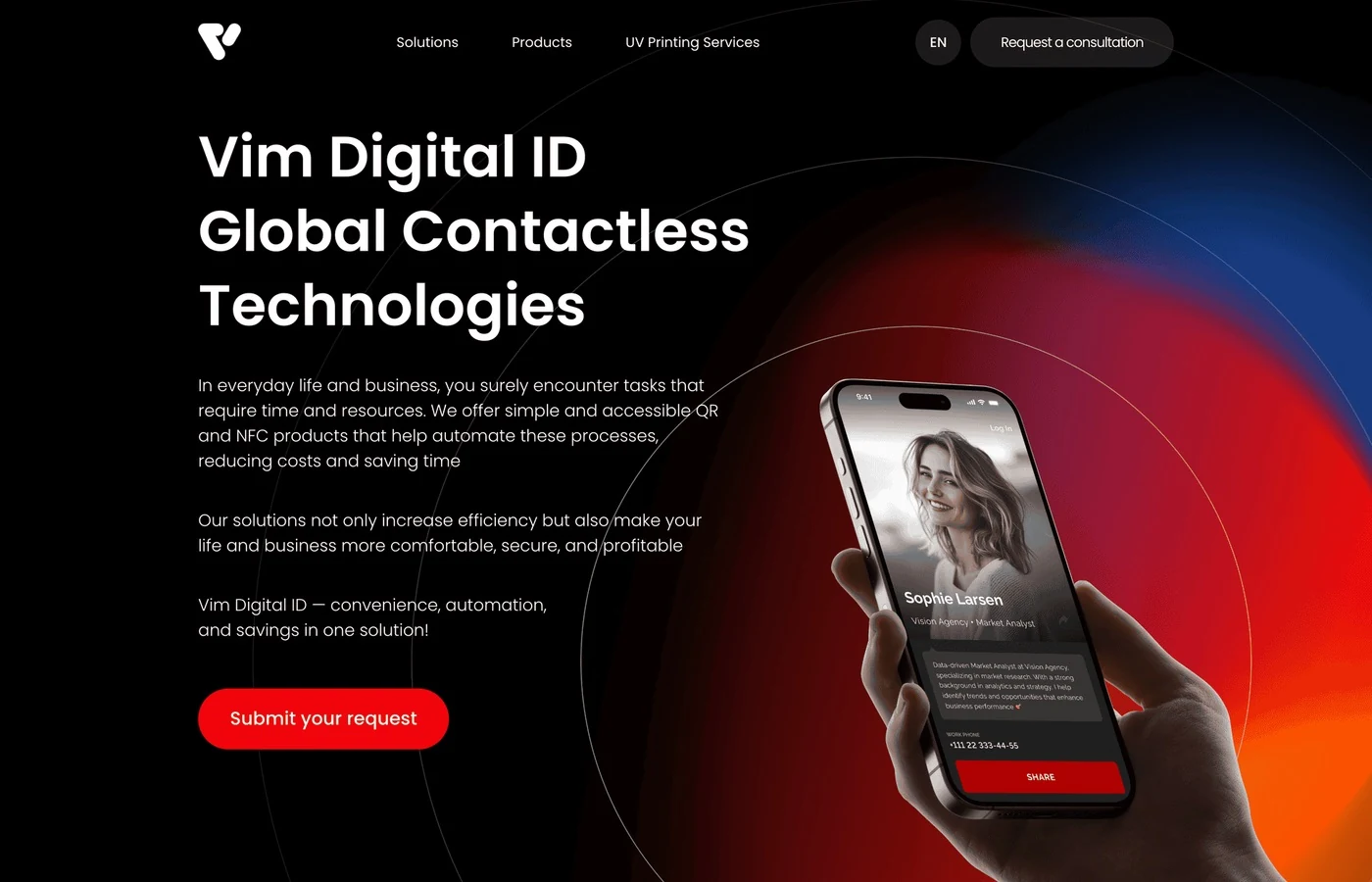
In VIM I implemented responsive layouts from Figma and set up product page management with ACF. In Crystal the cleaning company website was built using a WordPress template.
Kivilab shows a combined approach: a template and separate designs provided the visual foundation, while the catalog, shortlists, PDF export, and synchronization required custom logic. A ready-made theme does not remove the need for custom feature development.
How to compare developers’ proposals
Compare equivalent deliverables: unique layouts, mobile versions, forms, content management, initial population, and handover. Clarify who prepares the designs, text, and images, and which licenses are paid for separately.
Template-based development can become more involved if most blocks need rebuilding or complex features are added. Working from a finished design also depends on the details: the same number of pages does not mean the same amount of work.
How to decide
If you have no designs and need a clear services website, first consider a suitable template. If the design is already approved, estimate its implementation. If the core task is a catalog or an internal tool, define the data and features first, then choose the visual starting point.
For an initial estimate, send a business description, a page list, and a few examples. If you have Figma designs, include a link. I work with both approaches and can help define the development scope.
A practical example
Keep exploring
Articles to help you prepare for a website project.
Tell me about your project
Describe the website you need or what you would like to change. I will provide a free initial estimate of the work and cost. A detailed brief is not required.